


Monster Maker Dash
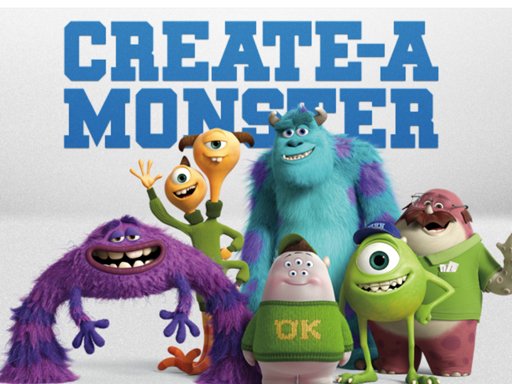
To create a unique and customized monster, simply click on the "Generate" button. You can either enter a specific seed or leave it empty for a completely random result. Feel free to click on the "Screenshot" button to capture an image of your monster, perfect for use as a wallpaper. Don't forget to add your name and share the screenshot with others! This feature is only available in the Windows Build.

If you're feeling adventurous, click on the "multi Color" option to randomize the color of your monster. This will add an extra element of surprise and creativity to your creation. Additionally, you can click on the "Background" button to select a different background for your monster. This allows you to further personalize and enhance the appearance of your monster. Let your imagination run wild and have fun experimenting with different combinations to create the perfect monster that reflects your style and preferences.